
Pretty Fly for a DIY: building a browser AR game
A QR code, a phone, and 30 seconds of objects to catch. No app install, no 3D models. A one-evening WebAR experiment that turned into a study of AR tracking.
What it is
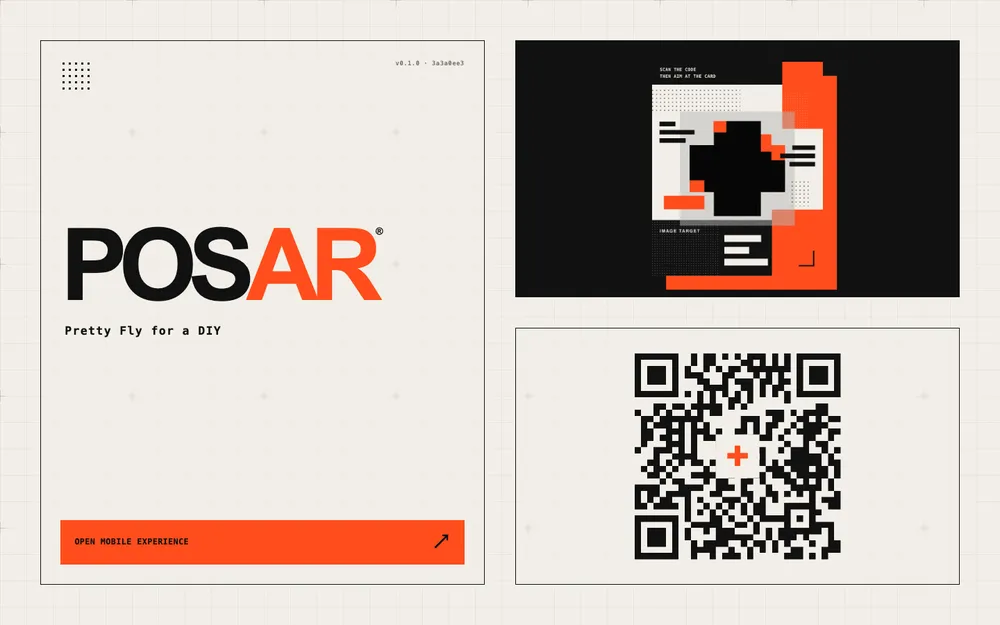
PoSaR (pronounced "poser") is a QR-launched, browser-based augmented reality (AR) collection game. It puts game objects over the phone's camera feed and into the real space. You scan a code off a sticker, point your phone at the card, and a sculptural + unfolds into a 30-second hunt. Objects spawn all around you; you tap to catch them, build a streak, and land your three initials on a public top-10 board.
No app store. No install. No external 3D models. Just a phone camera and a browser.
The name is a riff on point-of-sale AR and "poser", and the tagline, Pretty Fly for a DIY, is a nod to FlyAR, a WebAR studio.
Try the live demo . Best on a phone.
Why I built it
I wanted to build a "scan, point, catch" loop that ran in the browser, without asking players to install an app. Keeping it to one page gave me a manageable scope for the experiment.
It was also a self-imposed time box. The whole thing came together in one evening, and that kept the scope honest: procedural objects instead of modelled ones, one 30-second round, and no framework-building before the game existed.
How it works
Under the hood there are two layers: a Three.js scene that draws the objects, and a tracking runtime that tells the scene where the phone is and which way it's pointing. I'll come back to the tracking, because that's where the interesting problems were.
The pluses and the rare low-poly can are generated in code rather than loaded as 3D model files. That meant I didn't need to go on a never-ending search for models or worry about adding a model-loading pipeline.
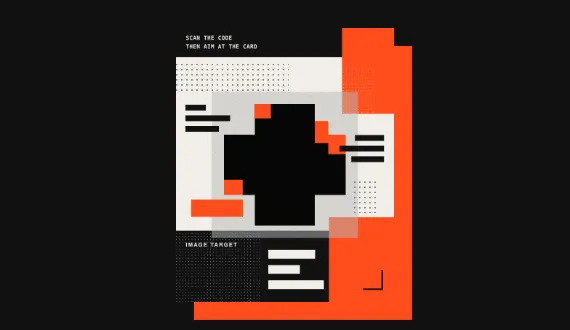
The original flow is one that works in a point-of-sale environment. The launcher shows a QR code next to a printable card; you scan the code, point the phone at the card, and a + appears to grow out of it as a kind of unlock. That card-anchored mode is still there, but it isn't the default. The default skips the card entirely and works from the phone's orientation, which is the story in the next section.
The tracker experiment
The interesting part was the tracking, so that's where most of the work went.
Every AR experience has to answer one question continuously: where is the phone, and which way is it facing? In a browser there are two broad ways to get that.
- Visual tracking watches the camera feed, finds recognizable features in the world, and works out how the phone moves. Done well, it gives you six degrees of freedom: position and rotation. The catch is that it needs the world to have visible detail, and it can lose its place when you turn away from what it has already mapped.
- Orientation tracking reads the phone's motion sensors instead. That gives you three degrees of freedom: which way you're facing, but not where you are. It's simple, cheap, and never "loses the room", because it was never tracking the room.
I built the game twice against the two approaches.
I tried XR8 (the self-hosted 8th Wall engine) for visual tracking and image-target recognition, and AlvaAR, an open-source visual tracker compiled to WebAssembly. In my tests, XR8 locked onto the card cleanly. Alva's raw pose was jittery, so I added a small game-side stabiliser. I left Alva's raw benchmark untouched to keep that measurement separate from the game's smoothing.
What the benchmarks said
I wrote a small benchmark runner to profile each stage separately (raw camera, XR8 without tracking, XR8 with tracking, Alva) with a five-second warm-up and a twenty-second sample.
Test device: Samsung Galaxy S24, running Chrome. These measurements describe that setup, rather than browser AR performance across devices.
- The raw camera feed averaged about 26 frames per second (fps), even when the camera was asked for 60.
- XR8's full tracking pipeline averaged about 28 fps in its separate sample. The similar rates suggest that tracking wasn't the main frame-rate limit in these tests; they don't establish why the raw-camera sample was slower.
- XR8 startup was around 3.4 s versus 1.5 s for the raw camera.
Those measurements shifted my attention from frame rate to how reliably the game followed a player turning around.
The pivot to DOME
The finding that changed the design came from playing the game. When I turned on the spot to find objects, visual tracking could lose the area it had mapped. That made the targets difficult to follow.
This game's targets only need to stay at consistent angles around the player. They don't need to track the player's physical position. So I stopped asking for position. DOME mode places targets at angles (yaw and pitch) on a fixed sphere around the player and drives the camera from the phone's orientation, ignoring translation. The game doesn't need to align with compass north or track your room in order to be fun.
What I considered and dropped
None of this was obvious up front. A lot of options were on the table first:
| Considered | Why it didn't make the cut |
|---|---|
| Plain WebXR | Android only. iPhone Safari doesn't expose general-purpose WebXR AR |
| AR Quick Look / Scene Viewer | no way to implement the game loop |
| Hosted WebAR SDKs (Zappar, Onirix) | I didn't pursue these once rotation-only play removed my need for visual tracking |
| Image-tracking libraries (MindAR, encantar.js) | Good for poster anchoring, but no world tracking |
| A stella_vslam browser port | Porting another tracker was beyond the scope of this experiment |
| Custom mapping and tracking | Building a tracker was beyond the scope of this game |
| AlvaAR | Kept as the open-source tracker in my comparison |
| Device orientation | Rotation only; this became DOME |
I kept XR8 / 8th Wall for the image-target and positional-tracking comparison. I would review its maintenance status and terms before using it in a client project.
The camera lab
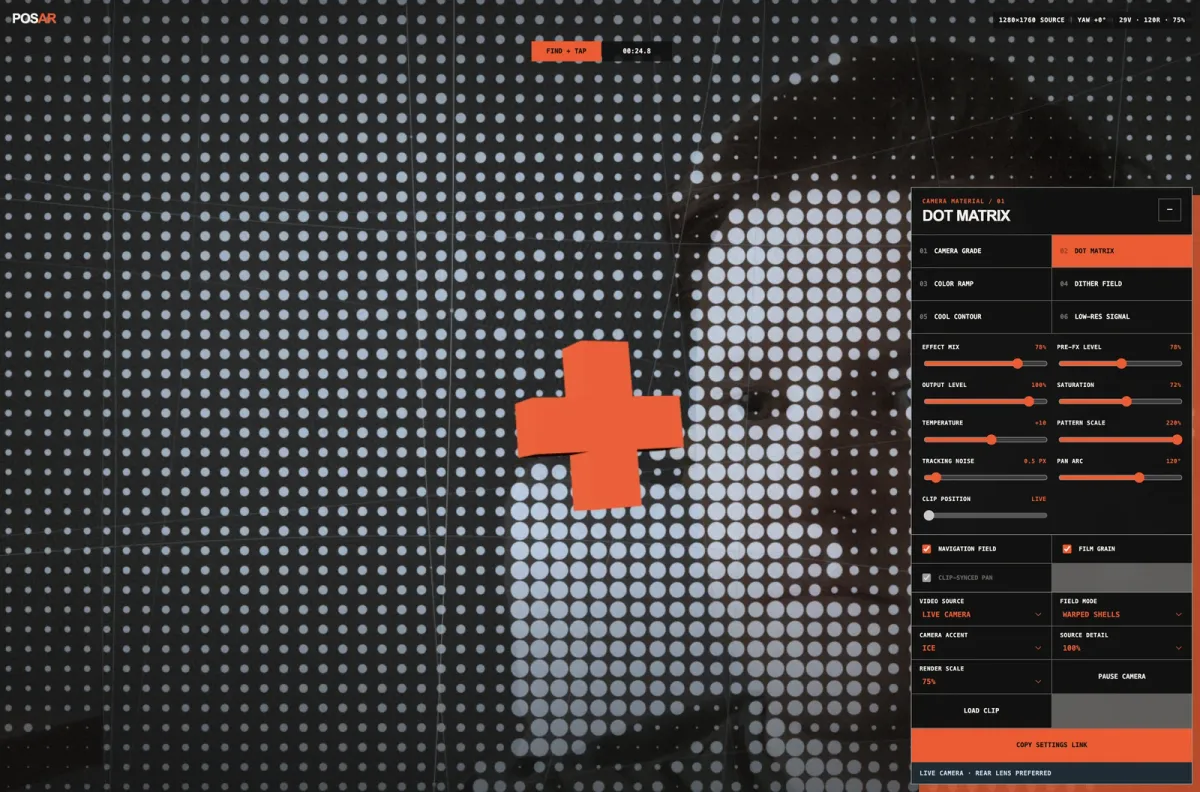
One more experiment came out of the same question: how should the camera feed look once it is the whole background? The lab grades the feed against a mock Three.js game layer (print grade, screenprint, contour, low-res signal) so I could make passthrough feel like deliberate campaign artwork and profile the cost of each treatment before committing.
The most useful result was the low-res signal treatment. Making the limitation visible read better than trying to hide it.
What it deliberately isn't
PoSaR is a prototype, not a product. There's no non-AR fallback, no anti-cheat, and no reward system. The public scoreboard validates input and rate-limits submissions, but client-reported scores are never authoritative. The point was to test whether a point-of-sale AR moment can feel effortless, not to ship a campaign.
It's a DIY: one evening, a self-hosted engine, and a lot of procedural geometry.
Try the live demo . Best on a phone.